

A Custom JavaScript Application for Generating Deep Link URLs for the Cobone Mobile App
The main objective of this project was to create a user-friendly application that would simplify the process of generating deep link URLs for the Cobone app. By automating this process, it would save time for both the users and the development team.
Requirements
The following were the key requirements:
- Accept user inputs, such as url, city, and utm parameters.
- Validate the inputs to ensure correctness and completeness.
- Generate a deep link URL specific to the Cobone app based on the user inputs.
- Display the generated deep link URL to the user for easy copying and opening in the browser.
User Interface Design
A user-friendly interface was designed to capture the necessary inputs from the user. The design focused on simplicity and ease of use, ensuring that even non-technical users could generate deep link URLs effortlessly.
Benefits and Results
The input validation feature reduced the chances of errors by ensuring that users provided accurate and complete information.
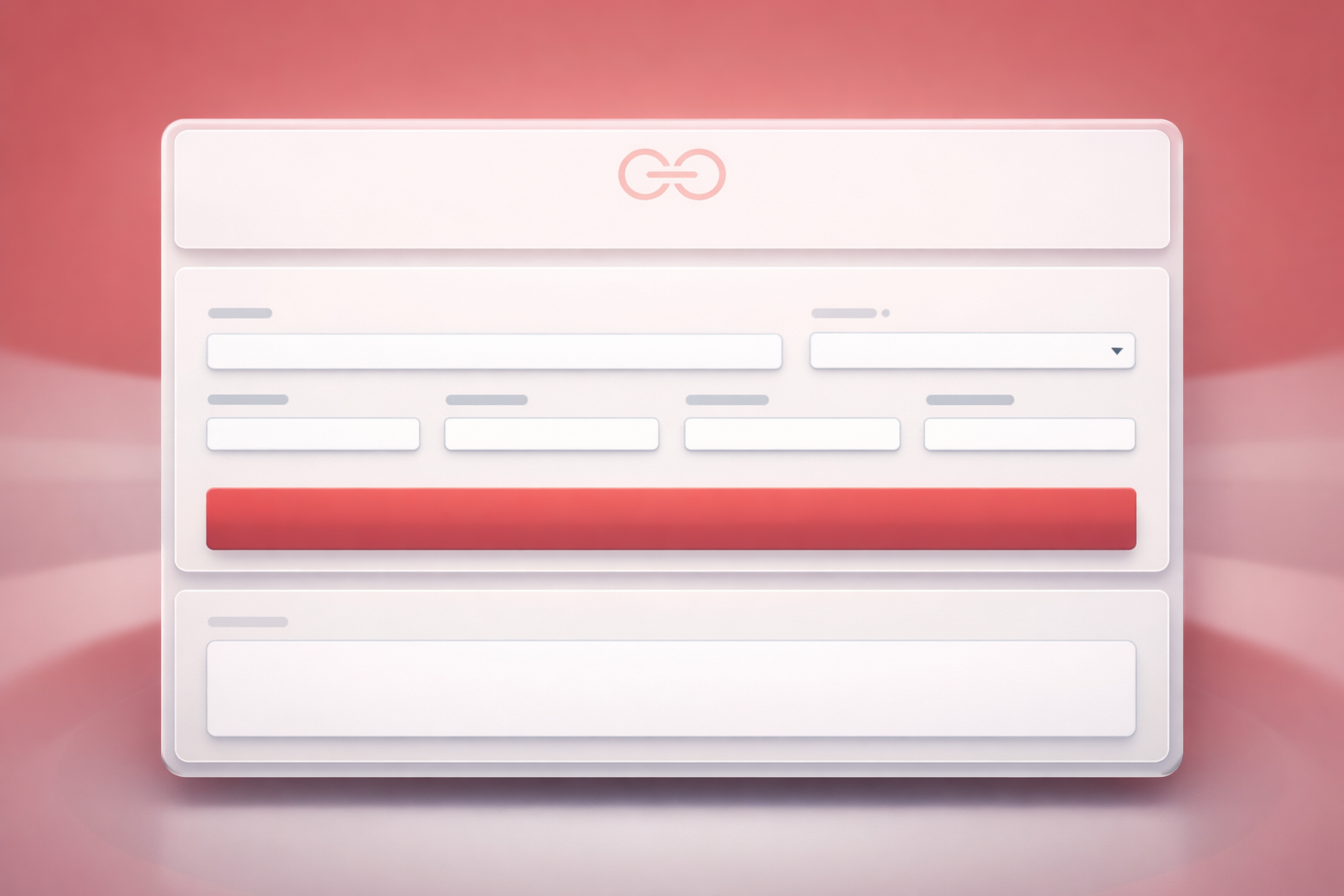
Users could generate deep link URLs quickly and easily without the need for manual intervention. This streamlined process improved the overall user experience.
The custom JavaScript application developed for generating deep link URLs for the Cobone mobile app proved to be a valuable tool in enhancing the user experience, saving time, and increasing user engagement.